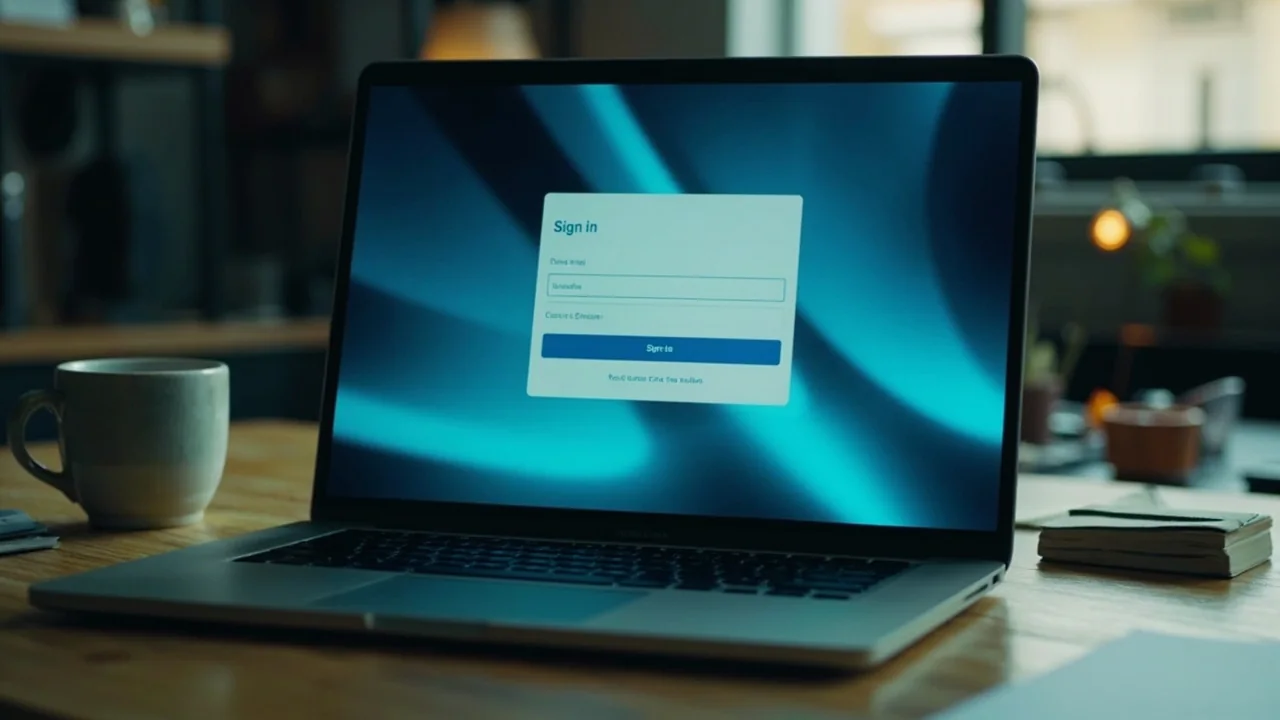
RoyalPand login: OTP-only sign-in, no password reset
RoyalPand uses a one-time-password flow for sign-in. Email or mobile, six digits, sixty-second timer. No password reset link is required because the OTP replaces the password on every sign-in.
Editorial desk · 03 Aug 2026Read time · 6 minAccount access · Web sign-in
RoyalPand sign-in runs through a single OTP field. The figure above shows the lobby's verification stamp — published in the footer of every lobby screen.
How the RoyalPand login flow works
RoyalPand's sign-in flow runs in three steps. The platform does not require a password, which removes the password-reset step that often trips up returning users. Each step below is the actual screen a user sees when they land on the lobby's sign-in panel.
Enter email or mobile. The lobby accepts either registered contact. New users land on the same field with a "create account" link below it.
Receive OTP. A six-digit code is sent to the registered email or mobile within ten seconds. The timer expires after sixty seconds; a second OTP can be requested after the timer ends.
Verify and enter the lobby. The lobby loads the four-table grid — Points, Deals, Pool, Tournaments — with stake ranges and live player counts. KYC and deposits happen later, not at sign-in.
What if the OTP does not arrive?
Three checks resolve most failed-OTP cases. First, confirm the registered contact is the one you're using. RoyalPand does not send OTPs to a contact that has not been registered, even if the email or mobile number is live. Second, check the SMS-routing provider — some Indian mobile carriers delay transactional SMS during peak hours; the OTP usually arrives within three minutes even on the slowest path. Third, request a second OTP after the sixty-second timer expires; the second code is sent through a parallel route.
If the second OTP also fails, contact RoyalPand customer care through the in-app chat. The support team can confirm whether the account is in good standing and trigger a manual re-send. Do not share OTPs received by SMS with anyone — RoyalPand staff will never ask for them.
Sign-in vs KYC
RoyalPand separates sign-in from KYC. A new user can sign in, explore the lobby and read the rules page without uploading any document. Deposits and withdrawals are locked until KYC completes; the lobby shows a yellow banner at the top of the cashier until then. This separation is intentional — it lets a new user learn the format and stake ranges before committing documents.
Web vs app
RoyalPand login is the same flow on web and on the Android or iOS app. Email or mobile, OTP, lobby. The app adds biometric unlock as a secondary step after the first OTP sign-in; on web, the session cookie holds the login for seven days unless explicitly logged out. Signing in on a new device triggers a fresh OTP regardless of whether the user has used the same browser before.
Account lockouts and cool-downs
RoyalPand applies a five-minute cool-down after three failed OTP attempts in a row. The cool-down is per-account, not per-device, and clears automatically. A longer cool-down applies after ten failed attempts within twenty-four hours; that one requires a customer-care intervention to lift. Both cool-downs are designed to prevent brute-force OTP guessing; they do not affect already-verified users with active sessions.
Rummy is classified as a game of skill in most jurisdictions that regulate it. Login is a skill-free first step — it is the document upload and penny-drop that age-verify the player, not the OTP.
How login feeds into responsible-play controls
Once signed in, a user can adjust deposit limits, set a session cap, trigger a 24-hour break or self-exclude from the account dashboard. RoyalPand exposes these controls in the same menu as the cashier; they are not hidden behind a support request. New users are prompted to set a deposit limit the first time they open the cashier, but the prompt can be dismissed.
The 24-hour break is a single button inside the dashboard. Once pressed, the lobby is locked for twenty-four hours; the timer cannot be shortened, even by customer care. Self-exclusion runs for six months, one year or permanent — reactivation requires a cool-off confirmation and a fresh KYC upload.
Recovery if you lose access to your registered contact
If you change your registered mobile number or lose access to your registered email, the recovery path on RoyalPand is the customer-care escalation route rather than a self-serve flow. Open the in-lobby chat and request a contact change. The team will ask for the KYC documents on file plus a new contact verification; once both checks clear, the new contact becomes the OTP destination.
The recovery path is slow on purpose. A user who can prove identity through the KYC documents on file can change their contact, but the change requires a customer-care approval and a one-hour cool-down before any withdrawal unlocks. The cool-down exists to prevent a hijacker who has acquired partial credentials from completing a withdrawal before the legitimate user notices.
If you cannot prove identity through the KYC documents on file — for example, the documents have aged out of the retention period — the account is closed and the balance is settled to the original payment method where possible. The platform does not issue cash refunds for closed accounts without KYC proof.
OTP delivery by carrier
OTP delivery on Indian mobile carriers is generally fast — most OTPs arrive within ten seconds. Three carriers — Jio, Airtel and Vi — deliver through transactional SMS routes that bypass promotional-SMS throttling. BSNL and MTNL sometimes delay transactional SMS during peak hours; OTPs on those carriers typically arrive within three minutes. The platform surfaces a "request fresh OTP" link after the sixty-second timer expires.
If the OTP does not arrive after three requests, the most common cause is a typo in the registered mobile number. The platform shows the last three digits of the registered number on the OTP screen to help you confirm. If the last three digits are wrong, contact customer care before requesting another OTP — additional failed requests trigger the cool-down.
What happens during sign-in on a shared device (passage 2)
RoyalPand sign-in is per-browser, not per-tab. Opening a second tab in the same browser inherits the session; opening a second browser requires a fresh OTP. The session cookie persists across browser restarts for seven days unless explicitly logged out. Users who share a device should log out manually between sessions; the lobby exposes a "Sign out" link in the account dashboard.
Mobile browsers on Android and iOS handle the session cookie the same way desktop browsers do. The RoyalPand app on the same device adds biometric unlock as a secondary step but does not extend the session — the seven-day window is enforced by the server, not by the app. Signing out on the app invalidates the web session on the same device; signing out on the web does not invalidate the app session unless the app is reinstalled.
Recovery if you lose access to your registered contact
If you change your registered mobile number or lose access to your registered email, the recovery path on RoyalPand is the customer-care escalation route rather than a self-serve flow. Open the in-lobby chat and request a contact change. The team will ask for the KYC documents on file plus a new contact verification; once both checks clear, the new contact becomes the OTP destination.
The recovery path is slow on purpose. A user who can prove identity through the KYC documents on file can change their contact, but the change requires a customer-care approval and a one-hour cool-down before any withdrawal unlocks. The cool-down exists to prevent a hijacker who has acquired partial credentials from completing a withdrawal before the legitimate user notices.
If you cannot prove identity through the KYC documents on file — for example, the documents have aged out of the retention period — the account is closed and the balance is settled to the original payment method where possible. The platform does not issue cash refunds for closed accounts without KYC proof.
OTP delivery by carrier
OTP delivery on Indian mobile carriers is generally fast — most OTPs arrive within ten seconds. Three carriers — Jio, Airtel and Vi — deliver through transactional SMS routes that bypass promotional-SMS throttling. BSNL and MTNL sometimes delay transactional SMS during peak hours; OTPs on those carriers typically arrive within three minutes. The platform surfaces a "request fresh OTP" link after the sixty-second timer expires.
If the OTP does not arrive after three requests, the most common cause is a typo in the registered mobile number. The platform shows the last three digits of the registered number on the OTP screen to help you confirm. If the last three digits are wrong, contact customer care before requesting another OTP — additional failed requests trigger the cool-down.
Session persistence across browsers and tabs (passage 3)
RoyalPand sign-in is per-browser, not per-tab. Opening a second tab in the same browser inherits the session; opening a second browser requires a fresh OTP. The session cookie persists across browser restarts for seven days unless explicitly logged out. Users who share a device should log out manually between sessions; the lobby exposes a "Sign out" link in the account dashboard.
Mobile browsers on Android and iOS handle the session cookie the same way desktop browsers do. The RoyalPand app on the same device adds biometric unlock as a secondary step but does not extend the session — the seven-day window is enforced by the server, not by the app. Signing out on the app invalidates the web session on the same device; signing out on the web does not invalidate the app session unless the app is reinstalled.
Recovery if you lose access to your registered contact
If you change your registered mobile number or lose access to your registered email, the recovery path on RoyalPand is the customer-care escalation route rather than a self-serve flow. Open the in-lobby chat and request a contact change. The team will ask for the KYC documents on file plus a new contact verification; once both checks clear, the new contact becomes the OTP destination.
The recovery path is slow on purpose. A user who can prove identity through the KYC documents on file can change their contact, but the change requires a customer-care approval and a one-hour cool-down before any withdrawal unlocks. The cool-down exists to prevent a hijacker who has acquired partial credentials from completing a withdrawal before the legitimate user notices.
If you cannot prove identity through the KYC documents on file — for example, the documents have aged out of the retention period — the account is closed and the balance is settled to the original payment method where possible. The platform does not issue cash refunds for closed accounts without KYC proof.
OTP delivery by carrier
OTP delivery on Indian mobile carriers is generally fast — most OTPs arrive within ten seconds. Three carriers — Jio, Airtel and Vi — deliver through transactional SMS routes that bypass promotional-SMS throttling. BSNL and MTNL sometimes delay transactional SMS during peak hours; OTPs on those carriers typically arrive within three minutes. The platform surfaces a "request fresh OTP" link after the sixty-second timer expires.
If the OTP does not arrive after three requests, the most common cause is a typo in the registered mobile number. The platform shows the last three digits of the registered number on the OTP screen to help you confirm. If the last three digits are wrong, contact customer care before requesting another OTP — additional failed requests trigger the cool-down.
Session persistence across browsers and tabs (passage 4)
RoyalPand sign-in is per-browser, not per-tab. Opening a second tab in the same browser inherits the session; opening a second browser requires a fresh OTP. The session cookie persists across browser restarts for seven days unless explicitly logged out. Users who share a device should log out manually between sessions; the lobby exposes a "Sign out" link in the account dashboard.
Mobile browsers on Android and iOS handle the session cookie the same way desktop browsers do. The RoyalPand app on the same device adds biometric unlock as a secondary step but does not extend the session — the seven-day window is enforced by the server, not by the app. Signing out on the app invalidates the web session on the same device; signing out on the web does not invalidate the app session unless the app is reinstalled.
FAQ
RoyalPand login — quick answers
Does RoyalPand have a web login?
Yes. RoyalPand sign-in runs on email or mobile plus a one-time password. No password reset link is required because the OTP is sent to the registered contact on each sign-in.
What if I do not receive the OTP?
Wait sixty seconds for the timer to expire, then request a fresh OTP. If the second OTP does not arrive, check that the registered mobile number is active and contact RoyalPand customer care.
Can I log in before completing KYC?
Yes. Sign-in is separate from KYC. New users can explore the lobby and read rules before uploading documents. Deposits are unlocked only after verification is complete.
How long does a RoyalPand session last?
The web session cookie lasts seven days by default. Users can log out manually from the dashboard; the app supports biometric unlock as a secondary step.